How to Make Private Number Calls with iTel Mobile Dialer (Setup & Packages)
Need to make calls without exposing your personal or business mobile number? Showing "Private Number", "Unknown Caller", or "Caller ID Blocked" on the receiver’s screen is the cleanest way to maintain complete privacy while managing outreach.
With iTelVoIP, you can initiate anonymous, carrier-grade outbound calls directly from your Android, iOS, or Windows device using the high-performance iTel Mobile Dialer.
What is Private Number VoIP Calling on iTelVoIP?
When you place a standard cellular call, your SIM card transmits your Caller Line Identification (CLI) over public telecom towers.
When you call using the iTel Mobile Dialer routed through iTelVoIP’s Tier-1 network, your voice travels via secure Session Initiation Protocol (SIP) gateways. Our softswitch suppresses originating caller details using dedicated privacy protocols (Privacy: id), instructing receiving telecom carriers to mask the digits.
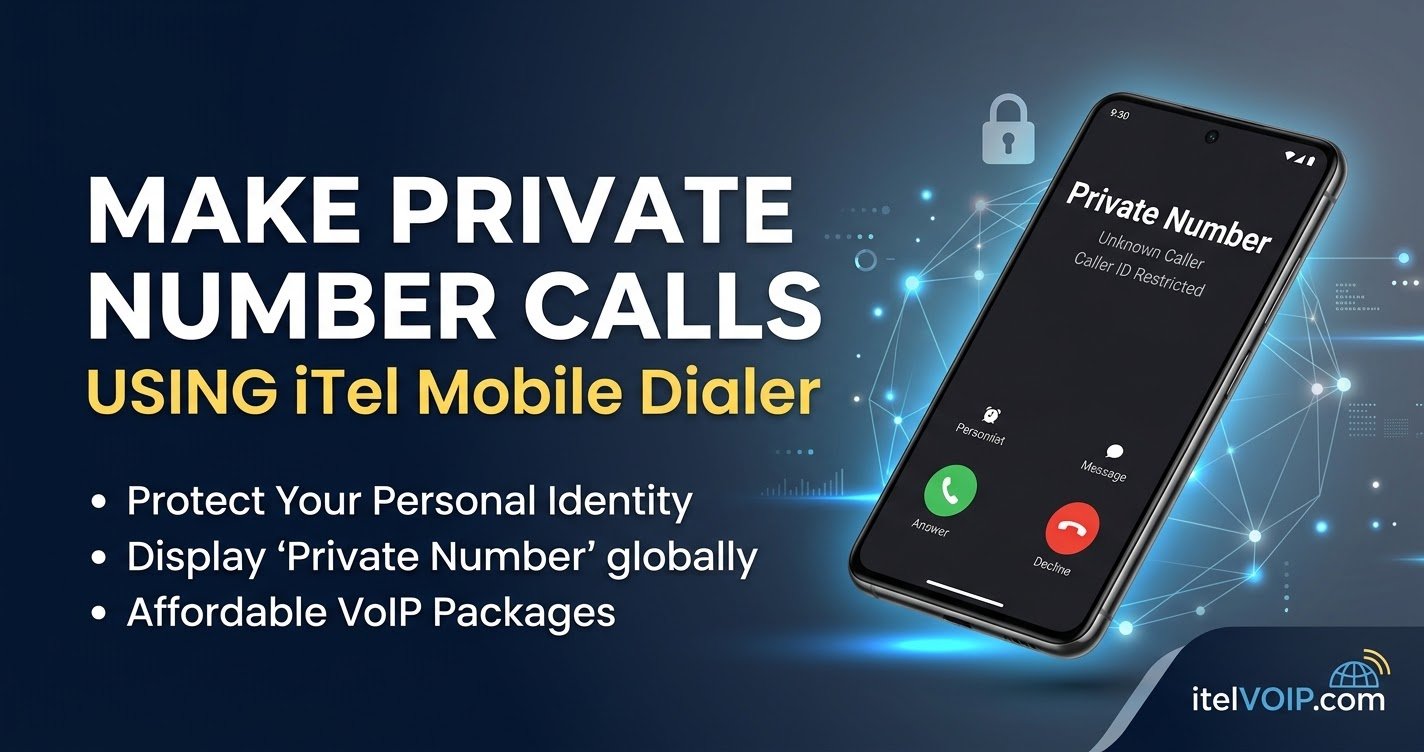
When the destination phone rings, the receiver sees:
- Private Number
- Unknown Caller
- Caller ID Restricted / Blocked
Your actual SIM card details, personal identity, and location remain 100% confidential.
Why Choose iTelVoIP for Anonymous Calling?
- Instant Account Activation: Get your dialer credentials and balance delivered straight to your WhatsApp within minutes.
- HD Voice with Low Bandwidth: Optimized with G.729 and Opus codecs to deliver lag-free audio even over 3G, 4G, or unstable Wi-Fi.
- Zero Unwanted Callbacks: Ideal for surveys, outbound sales, delivery alerts, and customer service teams who require one-way outbound privacy.
- Global Carrier-Grade Routes: Premium termination across 200+ countries with low ping and high connection ratios.
- Cross-Platform Compatibility: Seamless support across Android APK, Windows PC, and iOS.
3 Simple Steps to Start Calling with a Private Number
- Choose Your Calling Package: Browse our verified VoIP Packages & Pricing. Select your desired credit tier to receive your Operator Code, Username, and Password.
- Download the iTel Dialer: Head to our Download Center to grab the official APK for Android, iOS profile, or Windows PC executable.
- Log In & Dial Out: Enter your credentials into the app, dial your destination number in standard international format (e.g., +1... or 00...), and place your call with automatic private caller ID masking.
Ready to Protect Your Identity?
Get started today with high-quality anonymous calling, low per-minute rates, and dedicated support.
👉 Explore VoIP Packages & Plans
👉 Download iTel Mobile Dialer APK
👉 Chat on WhatsApp for Instant Setup (+92 319 6228098)